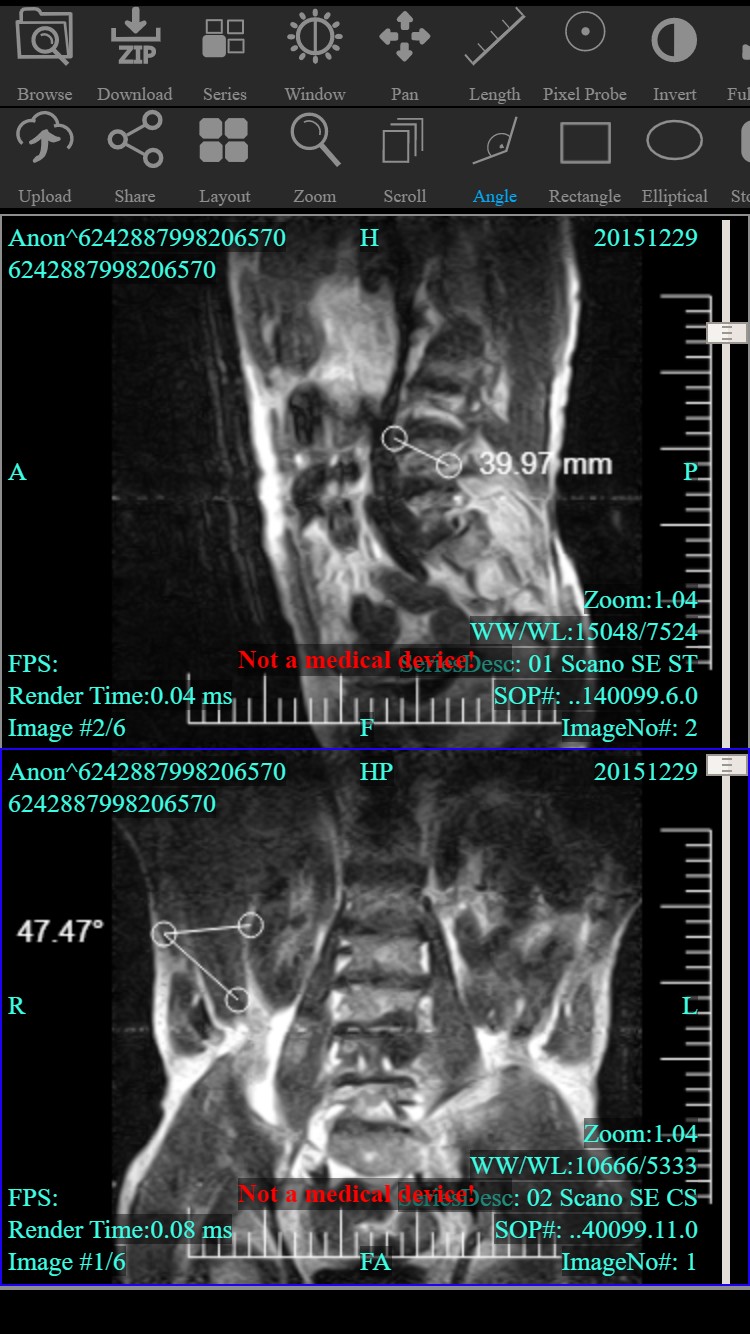
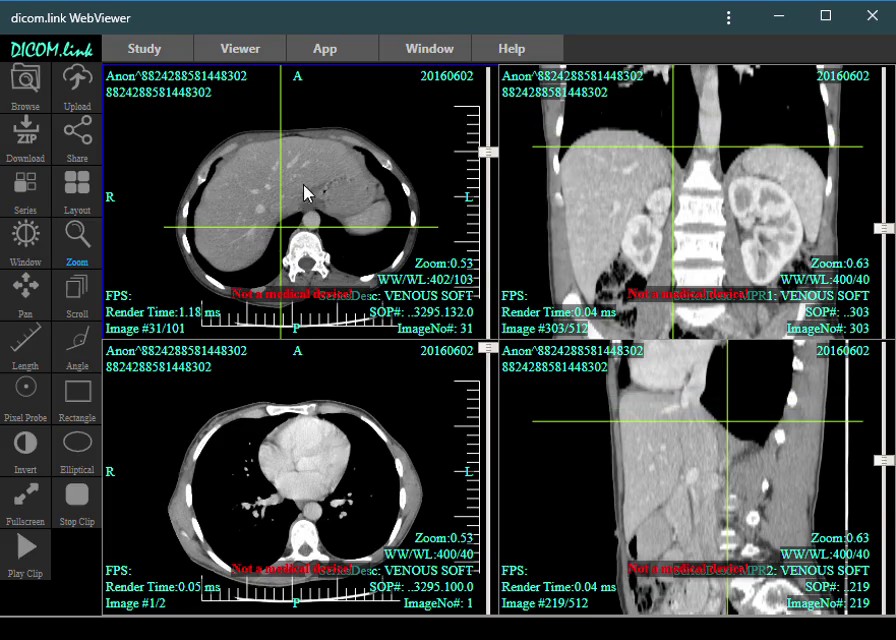
dicom.link WebViewer is also provided as a Progressive Web Application (PWA). A PWA is a type of application software delivered through the web, built using standard web technologies (HTML, CSS, JavaScript). It works on any platform with a standards-compliant browser, including mobile devices. Installing a PWA adds it to the user's launcher, where it runs like any other installed app.
Benefits over the online viewer
- Runs in offline mode
- Updates automatically — you always have the latest version
- Mobile friendly, runs as a native app
- Significantly faster loading time
- Extremely lightweight
- Can act as a frontend to any accessible DicomProxy server
Installation
Use any compatible web browser (latest Chrome/Chromium recommended) and visit the online viewer. The embedded viewer will prompt you to install the app:
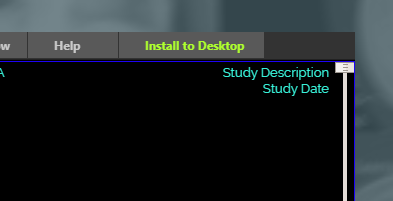
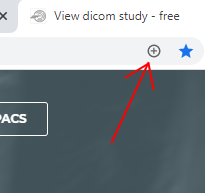
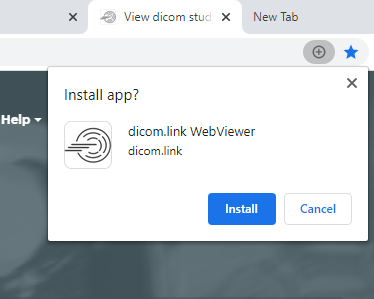
An icon will be placed on the Desktop, confirming the installation and allowing you to launch the offline app.
Desktop:
Mobile (portrait):