Select Source
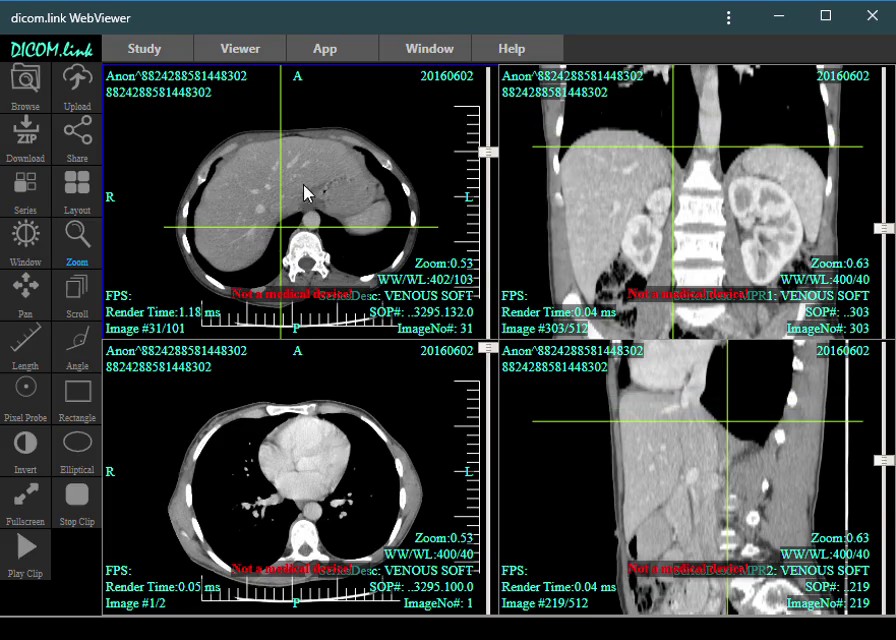
Select the location of your images using Browse or drag and drop the desired folder on the web app viewport.
Lite
Upload and share your medical images from a CD or local folder in 3 simple steps by using our web app. Your physician will have instant access to your medical images.
Select the location of your images using Browse or drag and drop the desired folder on the web app viewport.
Send your images to the cloud by clicking Upload. A new window will appear with instructions.
After the transfer is completed, share the study with whomever you would like by clicking Share and filling in the required fields.
Did you know
You can access dicom.link WebViewer as a regular app and run it from your Desktop.
Find out more